

The house

Everything here was built in conversation with Claude.

Projects from April 2026 to now, and how each one was built.

932
commits
91%
written with Claude
18+
Claude Code sessions
9
repositories

Counted from the commit history as of October 7, 2026. Sessions counted only where a session link was recorded, so the real number is higher.

Chapters

Seven projects, ending with SignalWall.

  1. Chapter one

    Home Manager

    An iPhone app for tracking home maintenance, planned and built in four days.

    Paused · Draft

  2. Chapter two

    CityBrew

    A weekly local newsletter written by AI, retired once a Claude scheduled task could do the same job.

    Retired · Draft

  3. Chapter three

    Reviresco

    My studio: a brand kit, a print-on-demand pipeline, a home cinema site and a stock tracker.

    In progress · Draft

  4. Chapter four

    Three small Mac apps

    BetterBattery, DayDial and NetPulse: three menu bar utilities.

    Shipped · Draft

  5. Chapter five

    3D printing

    Problems around the house and the truck, solved with parts Claude designs and I print.

    In progress · Draft

  6. Chapter six

    Side quests

    A fantasy football agent, an e-reader installer, and a learning plan generator.

    Shipped · Draft

  7. Chapter seven

    SignalWall

    An LED wall display that pulls together the pieces from every project before it.

    In progress · Draft

Chapter one · Draft

Home Manager

An iPhone app for tracking home maintenance, planned and built in four days.

An iPhone app for keeping a home running: photograph an appliance, and it finds the model, the manual and a maintenance schedule written by AI. My first project. The product brief, requirements, architecture and design were all written on the first day.

Three days

  1. April 20

    44commits

    The plan

    Product brief, requirements, architecture and UX design, one step per commit.

  2. April 21

    58commits

    Nineteen stories

    Sign-in, the home profile, assets, the camera and photo identification.

  3. April 22

    10commits

    The AI part

    Maintenance schedules written by a model, streamed in, saved as tasks.

112
commits in three days
105
tests
501
appliance models seeded

Figures as of April 22, 2026, from the project's own records.

  • Product brief, requirements, architecture and UX design, each built step by step with a planning method for AI agents, all on the first day.

    Source: home-manager-app _bmad-output/planning-artifacts

  • Point the camera at an appliance label: on-device text recognition reads the model, and a lookup finds it among 501 seeded appliances.

    Source: HomeManagerApp Features/PhotoIdentification; supabase/seeds

  • A maintenance schedule streamed in word by word from an AI model, then saved as real tasks on the phone.

    Source: Features/MaintenanceSchedule/ScheduleGenerationViewModel.swift

Toward SignalWall · The iPhone app

My first iPhone app. SignalWall's app is built with the same tools: SwiftUI, the Supabase Swift client and an XcodeGen project file.

Source: home-manager-app project.yml; SignalWall ios/project.yml

Chapter two · Draft

CityBrew

A weekly local newsletter written by AI, retired once a Claude scheduled task could do the same job.

An AI-curated weekly guide to things to do around Columbus. A two-minute chat builds a taste profile; each week a small, fast model picks from fresh events and a library of favorite places, and a larger one writes. Later a Claude scheduled task could do the same job with no infrastructure at all, so CityBrew was retired.

The bill, before and after

$70 to 125

$1 to 2

a month, before and after

Monthly cost by line item, before and after the redesign, high end of each range
Line itemBeforeAfter
Event discovery (web search)
$95
$1.50
A server running all day
$20
$0
Job queue
$10
$0
Curation and writing
$2
$0.50
Dollars a month, high end of each estimate. Source: CityBrew docs/COST-REDESIGN-PROPOSAL.md, July 16, 2026.
34
events found in a 62-second run

Figures as of July 17, 2026, from the project's own records.

  • Retired once a Claude scheduled task and a skill could do the same weekly job with no servers, no database and no deploys.

    Source: Owner, Workshop kickoff, 2026-10-06

  • An autonomous build loop shipped five epics of stories in about 80 minutes; the evening went to human testing and fixes.

    Source: CityBrew history, 2026-04-28, 13:05 to 14:24

  • A cost briefing found most of the spend was web search during a daily scrape and a server running all day to fire a timer. The redesign made it one short weekly run.

    Source: docs/COST-AND-ARCHITECTURE-BRIEFING.md

  • Fetching the source pages and extracting events with a small model replaced web search: about 62 seconds and a few cents a run.

    Source: workers/src/events/fetch-scrape.ts

  • Kill switches that default to paused, and a hard failure instead of ever emailing an empty digest.

    Source: .github/workflows/weekly-digest.yml

Toward SignalWall · The cloud

CityBrew needed a server, then a weekly scheduled job. SignalWall has no cloud job at all: the Pi fetches its own data and pulls its playlist from the cloud.

Source: SignalWall docs/DECISIONS.md, Pi-direct polling; docs/PRD.md

Chapter three · Draft

Reviresco

My studio: a brand kit, a print-on-demand pipeline, a home cinema site and a stock tracker.

Reviresco is my studio name. Under it: a brand kit designed with Claude and tested for drift, a print-on-demand pipeline whose guardrails live in code, a site for a seven-seat home cinema that issues Wallet tickets, and Stock Watch, which started as a scheduled task.

Guardrails in code

  1. Ideate
  2. Screen
  3. Design
  4. Review
  5. Publish

Before anything publishes

  • Margin floor
  • Source files archived
  • Trademark screen passed
  • Daily ramp limit

One concept passes. The other fails the trademark screen and is stored with the reason. A design that fails any check is refused and logged, and there is no flag to skip a check.

32
commits to the Supply Co. pipeline in 28 hours
7
seats in the cinema

Figures as of October 7, 2026, from the project's own records.

  • Concepts are screened twice for trademark risk: once by the model, then by a denylist in code. Killed ideas are kept with the reason, never dropped.

    Source: revirescosupplyco src/lib/screening.ts

  • The model writes the artwork as SVG, and the code checks it: a strict allowlist of elements, text converted to paths, and print size pulled from the print provider.

    Source: revirescosupplyco src/lib/svgdesign.ts

  • The cinema went from design boards to working pages in about fifteen minutes, then gained Wallet tickets and a seat picker.

    Source: goreviresco cinema, 2026-09-10

Toward SignalWall · Shared pieces from the house

SignalWall lives in the same Supabase project as Stock Watch, uses the house brand colors, and copied the Supply Co. pipeline's check that catches a secret pasted in its masked form.

Source: SignalWall docs/DECISIONS.md, Shared Supabase project; render/palette.py; signalwall/env.py

Chapter four · Draft

Three small Mac apps

BetterBattery, DayDial and NetPulse: three menu bar utilities.

Three menu bar apps sharing one set of rules: efficiency is a feature, update controls live at the bottom, and live values ease instead of snapping. Built, released and updated in place through GitHub, with every commit written with Claude.

07-30
07-31
08-01
08-02
08-05
08-06
25 releases across 3 apps in 8 days. Each bar is one release; darker bars are later apps in the family (BetterBattery, DayDial, NetPulse).

Ease vs snap

Why the readouts animate between samples

The apps sample once a second. A readout bound straight to the sample jumps once a second, which looks laggy. Animating between samples makes the same data move smoothly.

Snap

26.0W

Bound straight to a once-a-second sample.

Ease

26.0W

The same samples, eased and keyed to one quantized value.

Toward SignalWall · Native Swift

SignalWall's app is SwiftUI as well. On the wall itself the motion rule goes the other way: whole-dot steps and no easing, written down as a decision.

Source: SignalWall docs/DECISIONS.md, TRANSITION_MS

  • The BetterBattery app icon

    BetterBattery

    Live watts going into and out of a MacBook battery.

    Download for Mac
  • The DayDial app icon

    DayDial

    How much of the day is left, shown as a ring, with sunrise and sunset from a typed location.

    Download for Mac
  • The NetPulse app icon

    NetPulse

    Live network throughput in the menu bar, history kept in memory only.

    Download for Mac

The apps are signed but not yet notarized, so macOS asks once: open System Settings, Privacy and Security, and choose Open Anyway. After that they update themselves in place.

Chapter five · Draft

3D printing

Problems around the house and the truck, solved with parts Claude designs and I print.

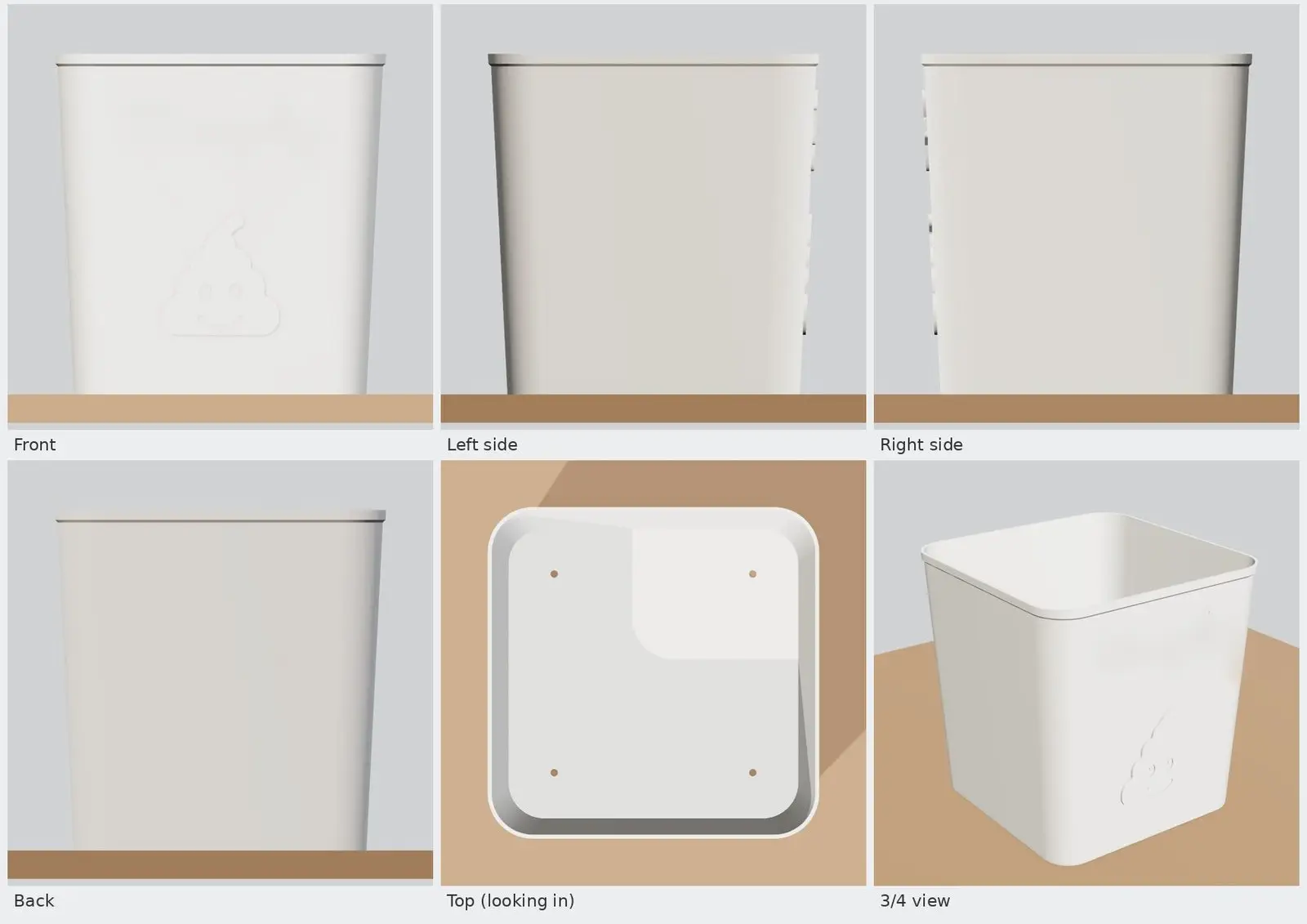
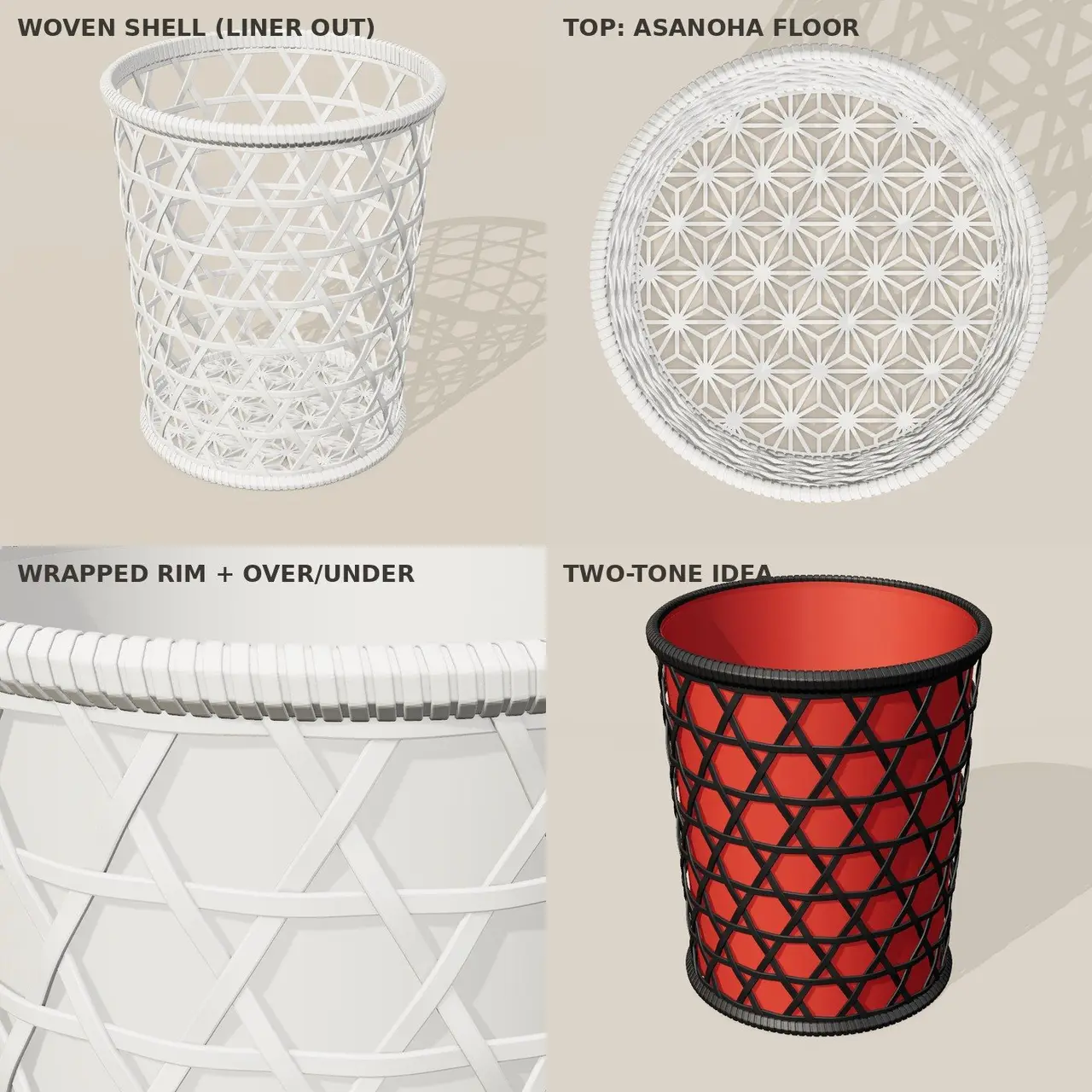
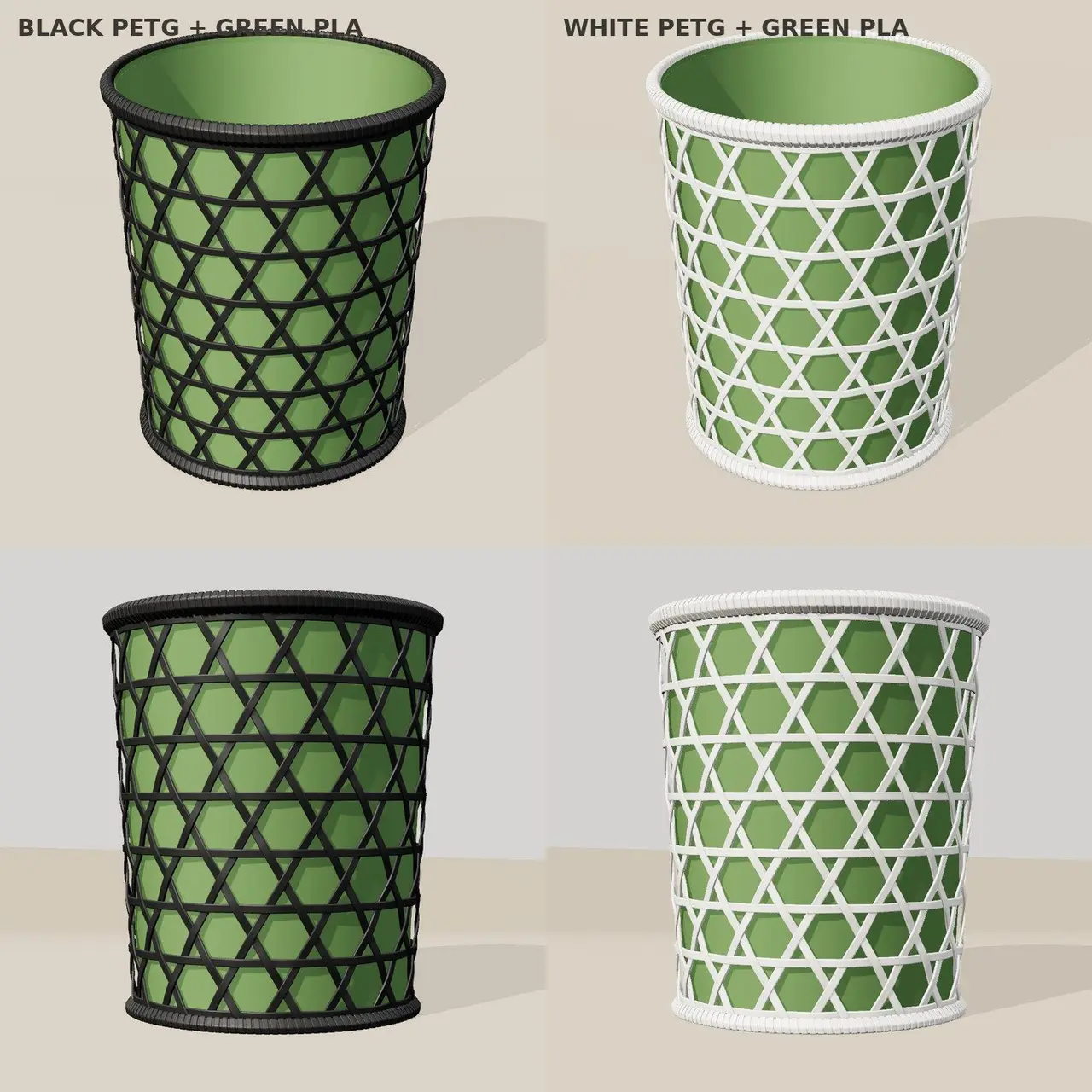
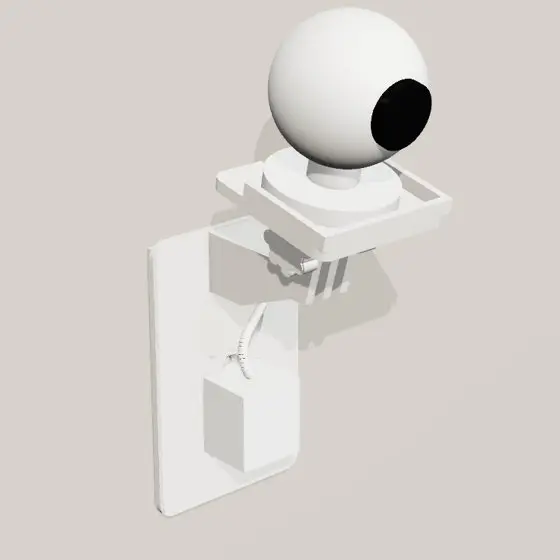
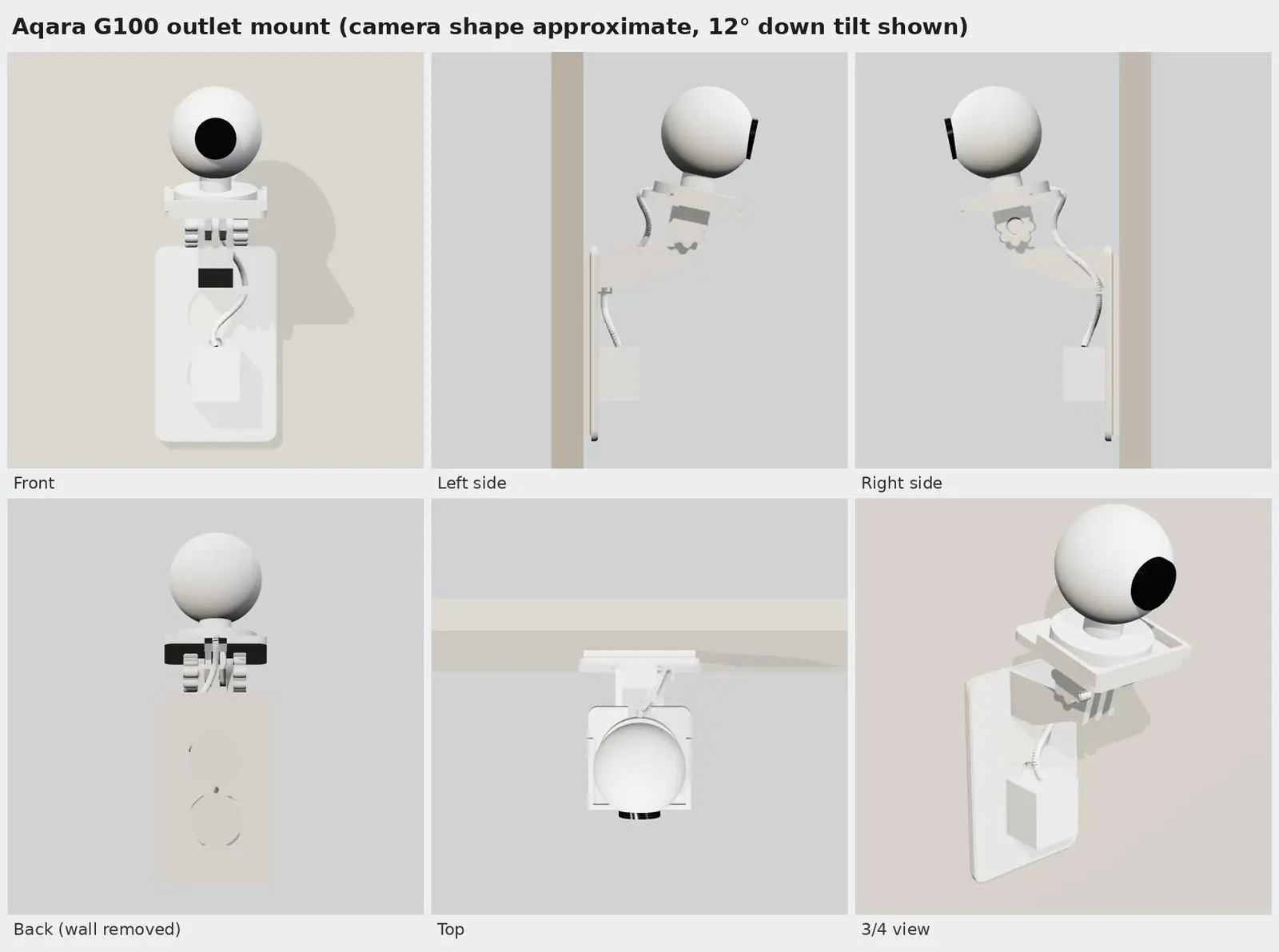
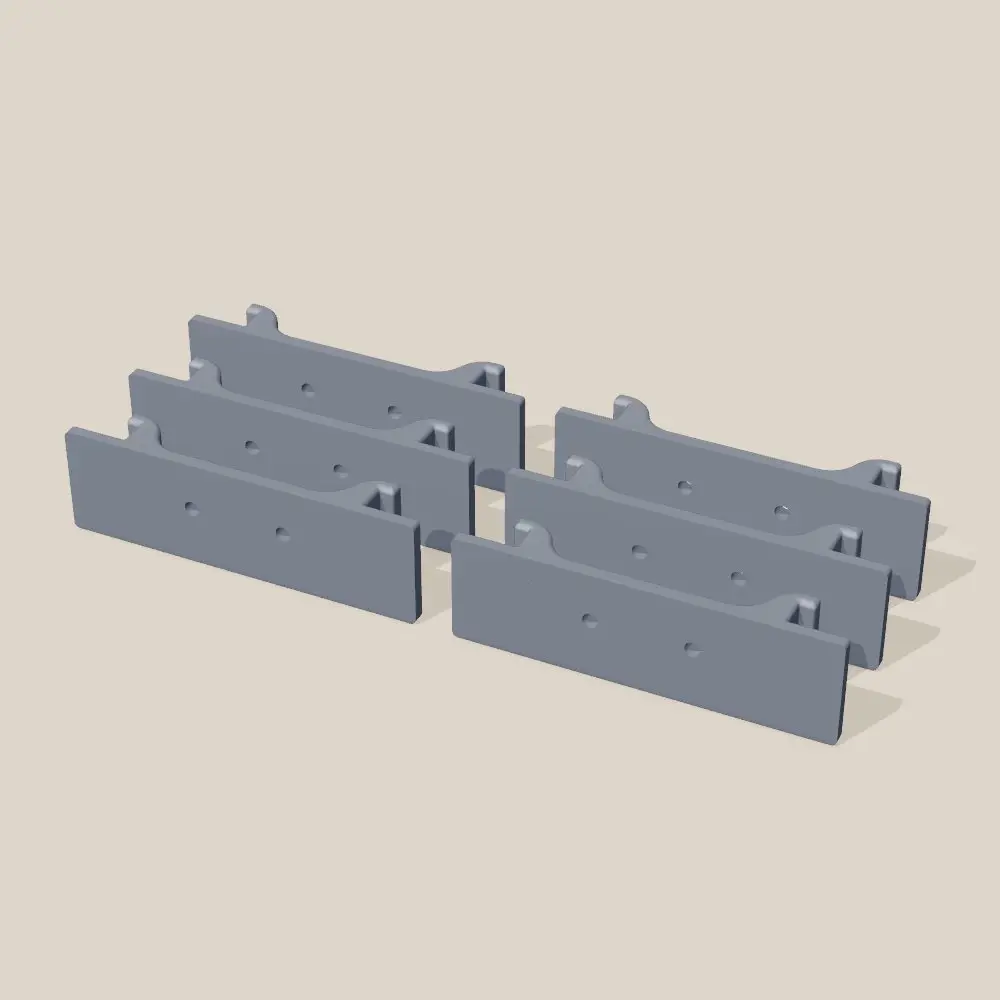
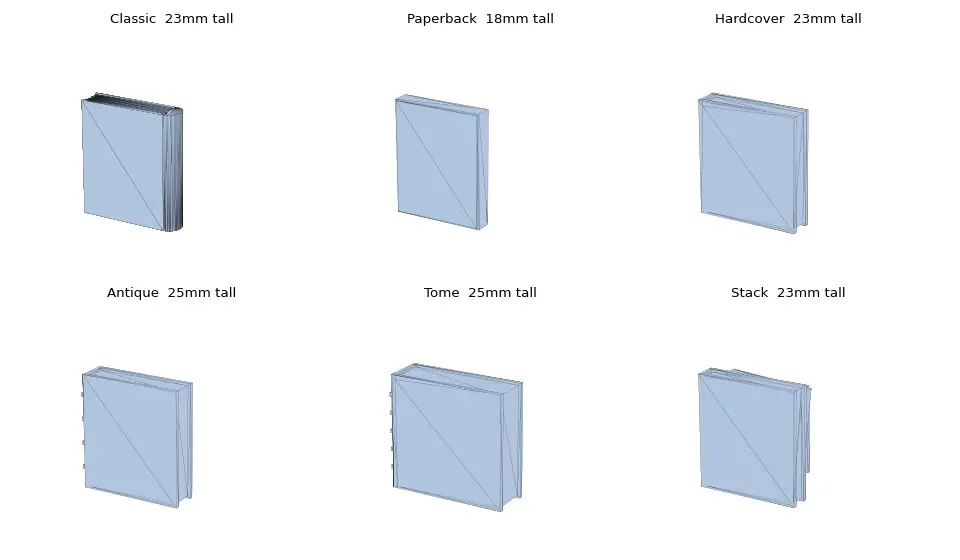
I set up my first 3D printer on September 26, 2026. When something needs a part now, I describe the problem, Claude designs it in Python, renders it from four sides, slices it, checks the print file and sends it to the printer, and I clear the plate and press print. Twelve projects in the first ten days, from a cracked truck clip to SignalWall's case. It saves money, and it's fun.

Everything I've made since September 26

Also on the printer

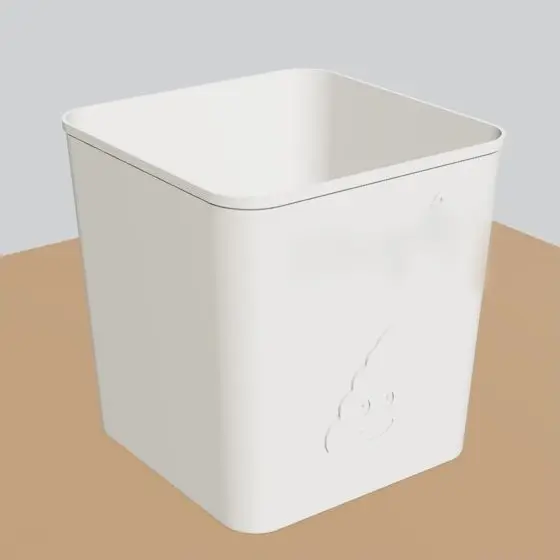
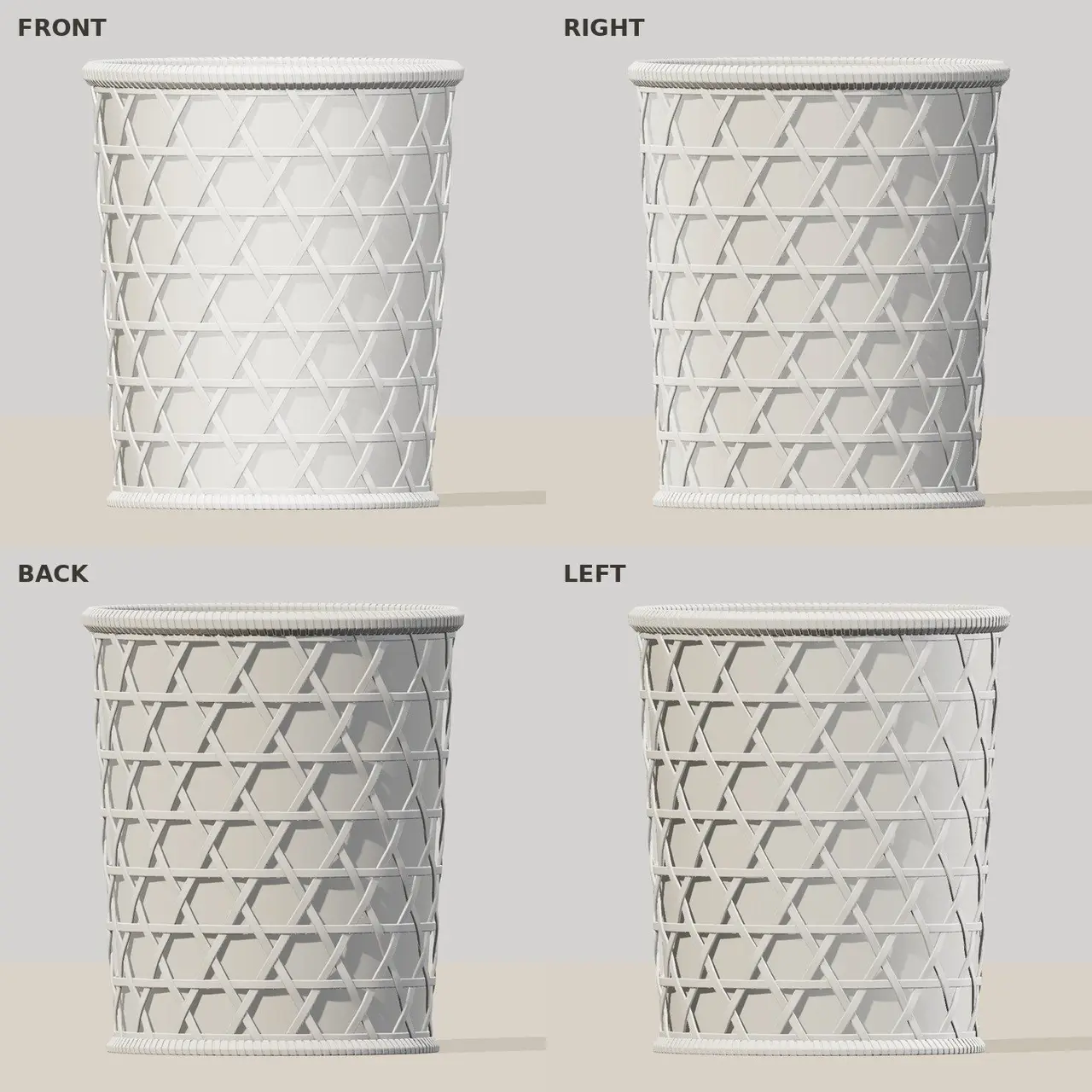
  • Car wash soap scoop

    Double-ended: a 48 ml cup for a full foam cannon at 1:20 and a 19 ml cup for half a five-gallon bucket at 1:500. Saved to the printer October 3.

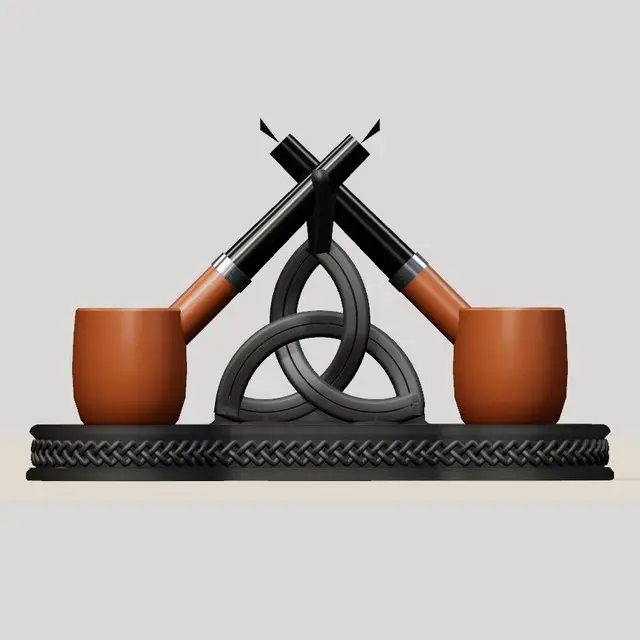
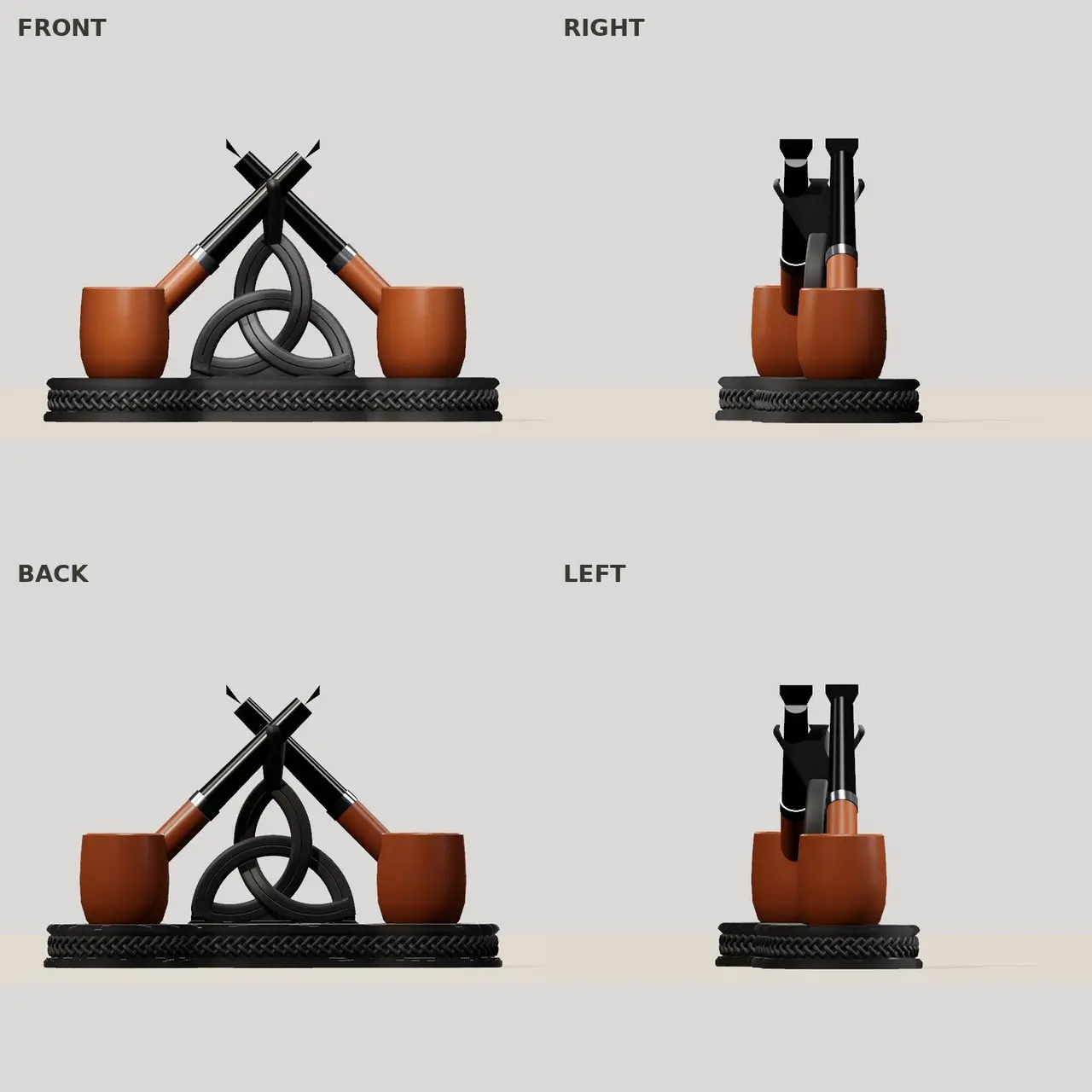
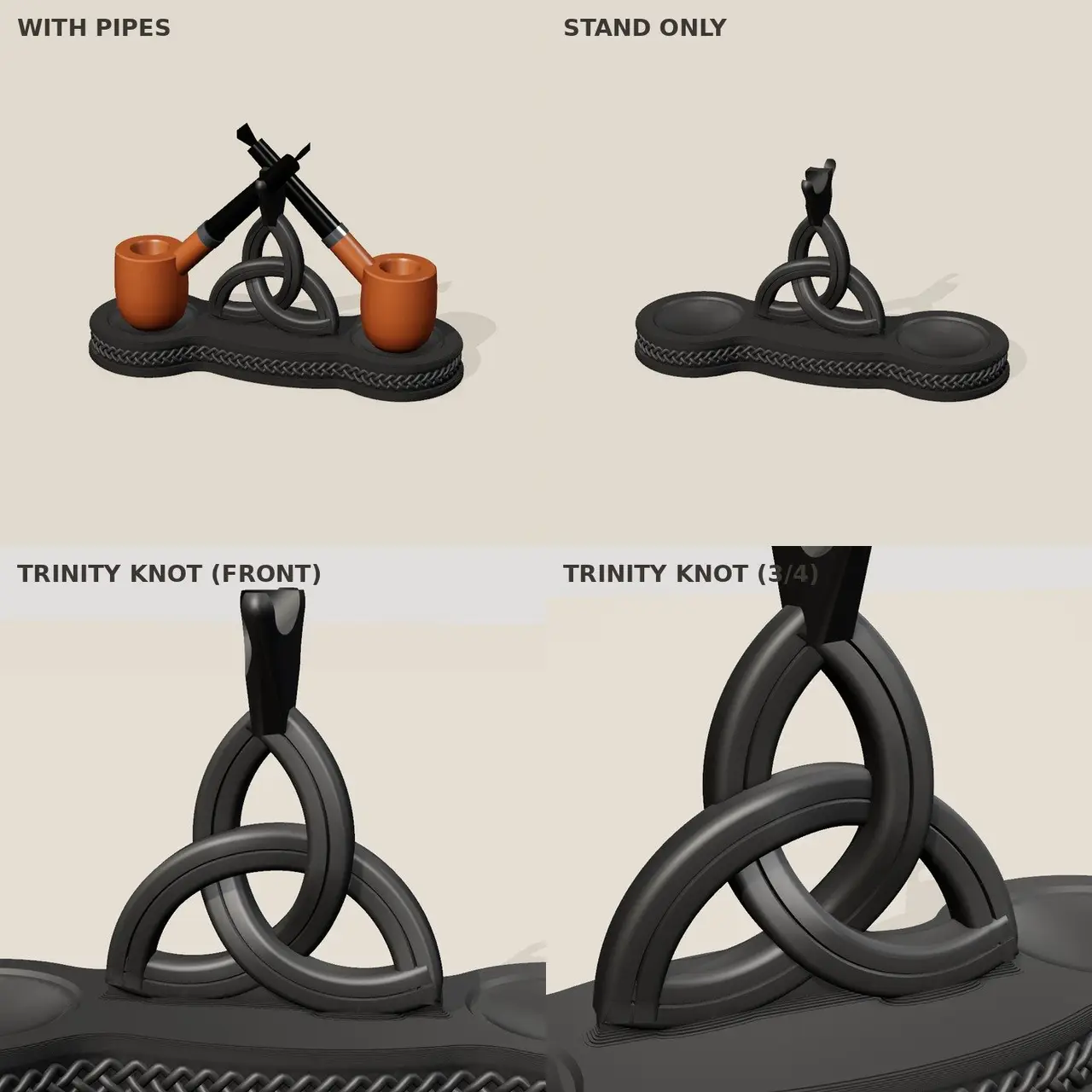
  • Outdoor pipe rest

    A smaller stand for the patio in white PETG, with a drain hole in the bowl dish. Saved to the printer October 3.

Renders by Claude from each part's own model files. Status as of October 5, 2026, from my 3D printing project notes.

Deep dive

The tonneau clip, stress-tested

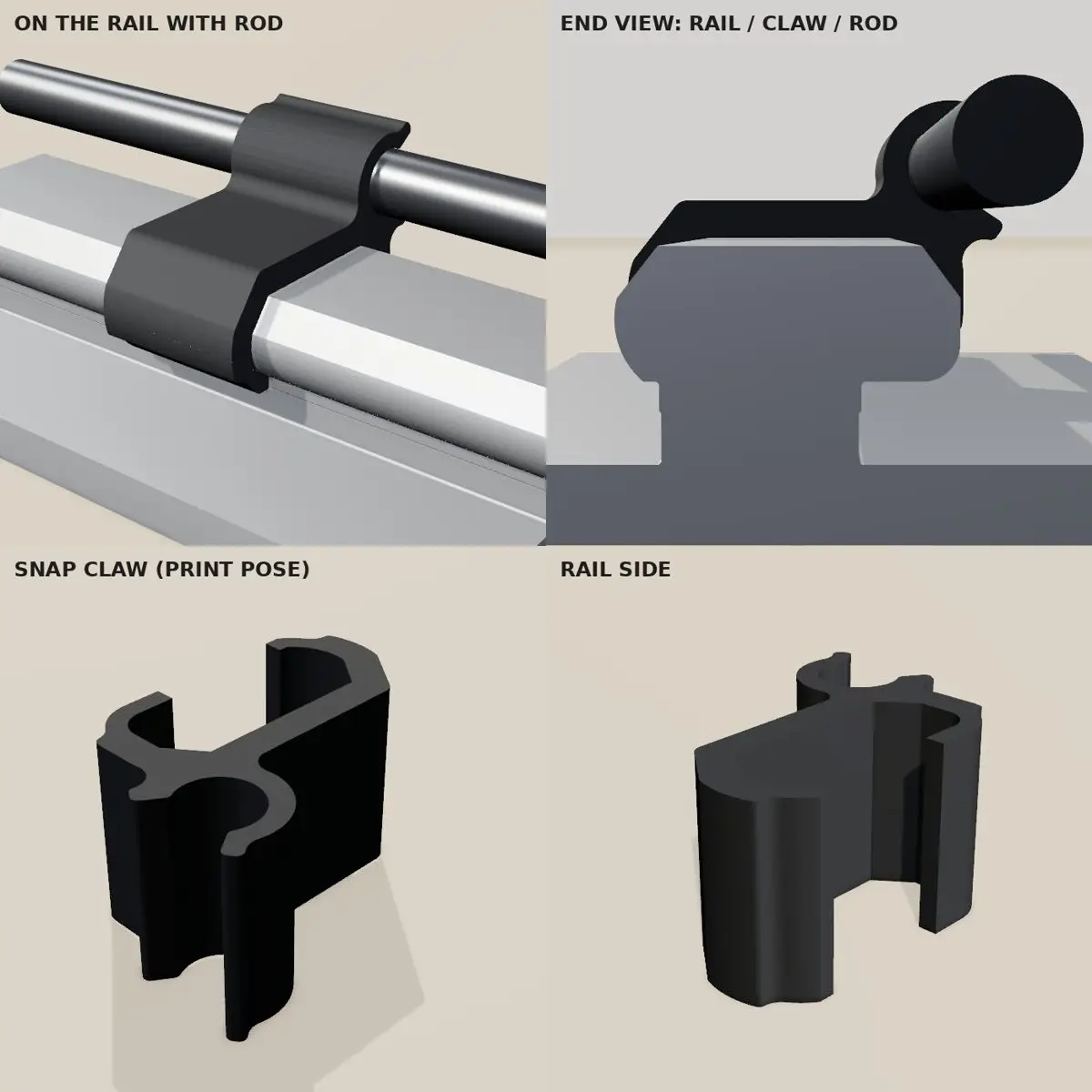
Before printing a replacement, Claude ran the clip through a stress simulation: open the jaws just wide enough for the 8 mm rod and measure how far the plastic stretches. The stock claw peaks at 4.5%, enough to crack it over time. The one I printed peaks at 2.2% and grips the rod about twice as hard. Claude tried 38 designs to get there.

The stress test, in full
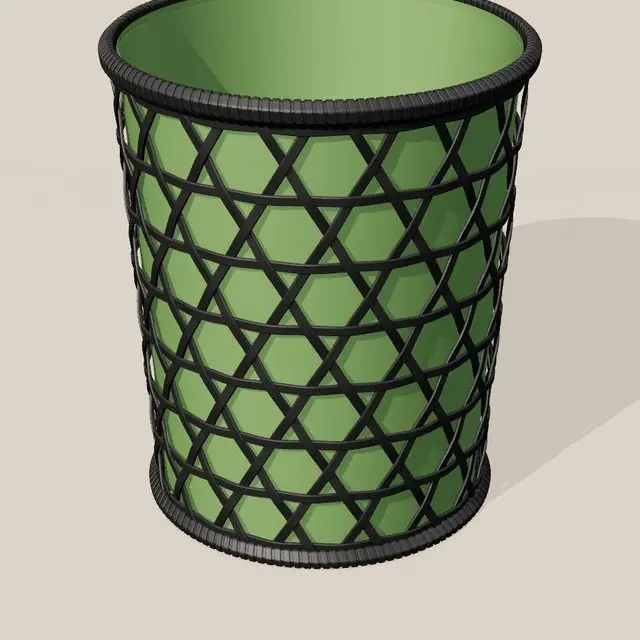
Strain map of the stock claw opened for the rod: dark red at the inside back of the claw, 4.5% at the worst spot.

Stock · 4.5%

Strain map of the redesigned claw: mostly gray and orange, 2.2% at the worst spot.

Redesigned · 2.2%

Color scale for stretch, from 0% in gray through orange to 5% in dark red.
Both claws opened just wide enough for the 8 mm rod, on the same color scale. Source: Stress-Testing the Tonneau Clip.

SignalWall's case, step by step

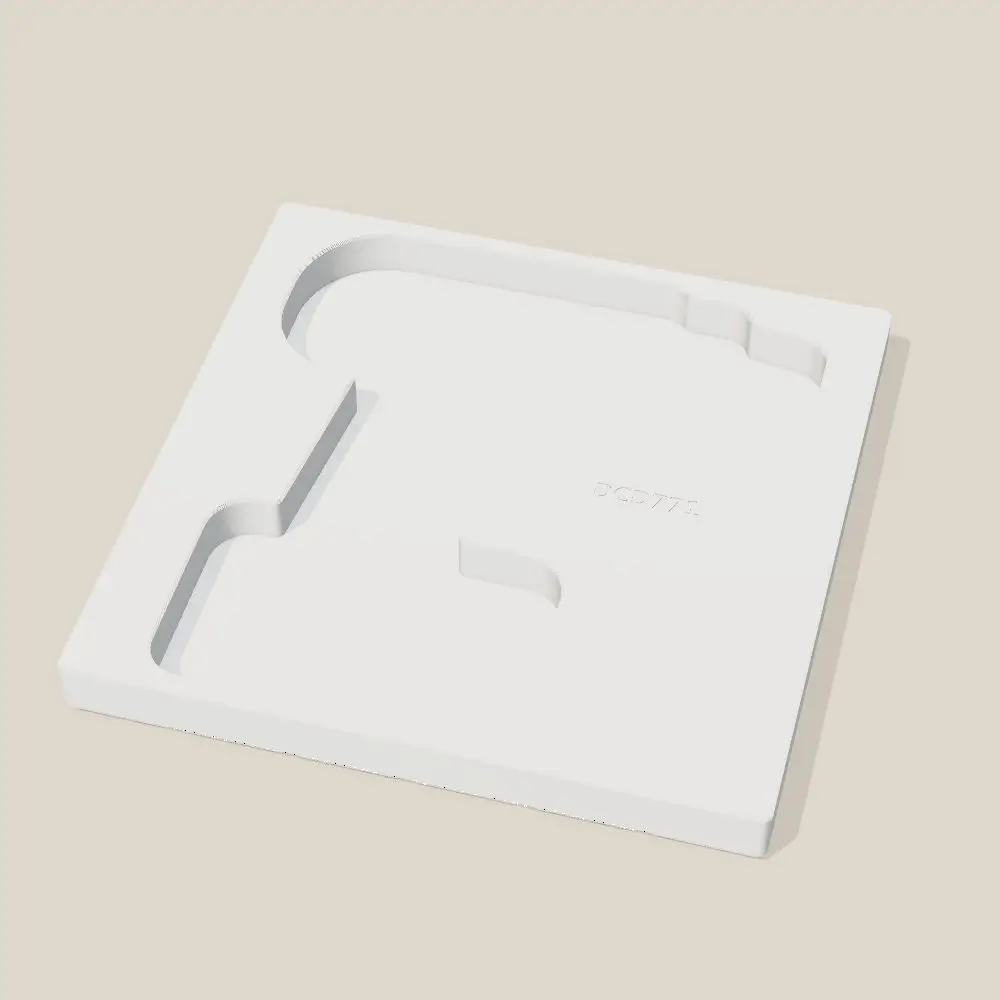
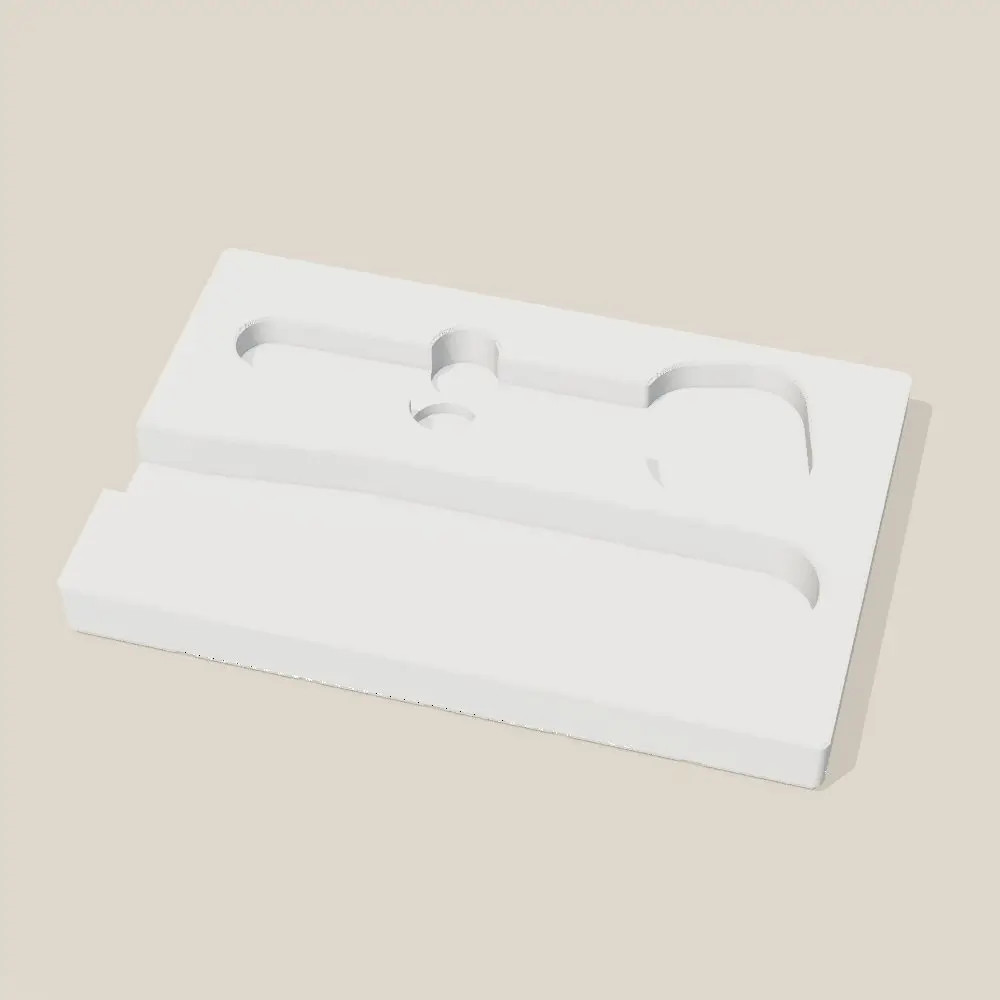
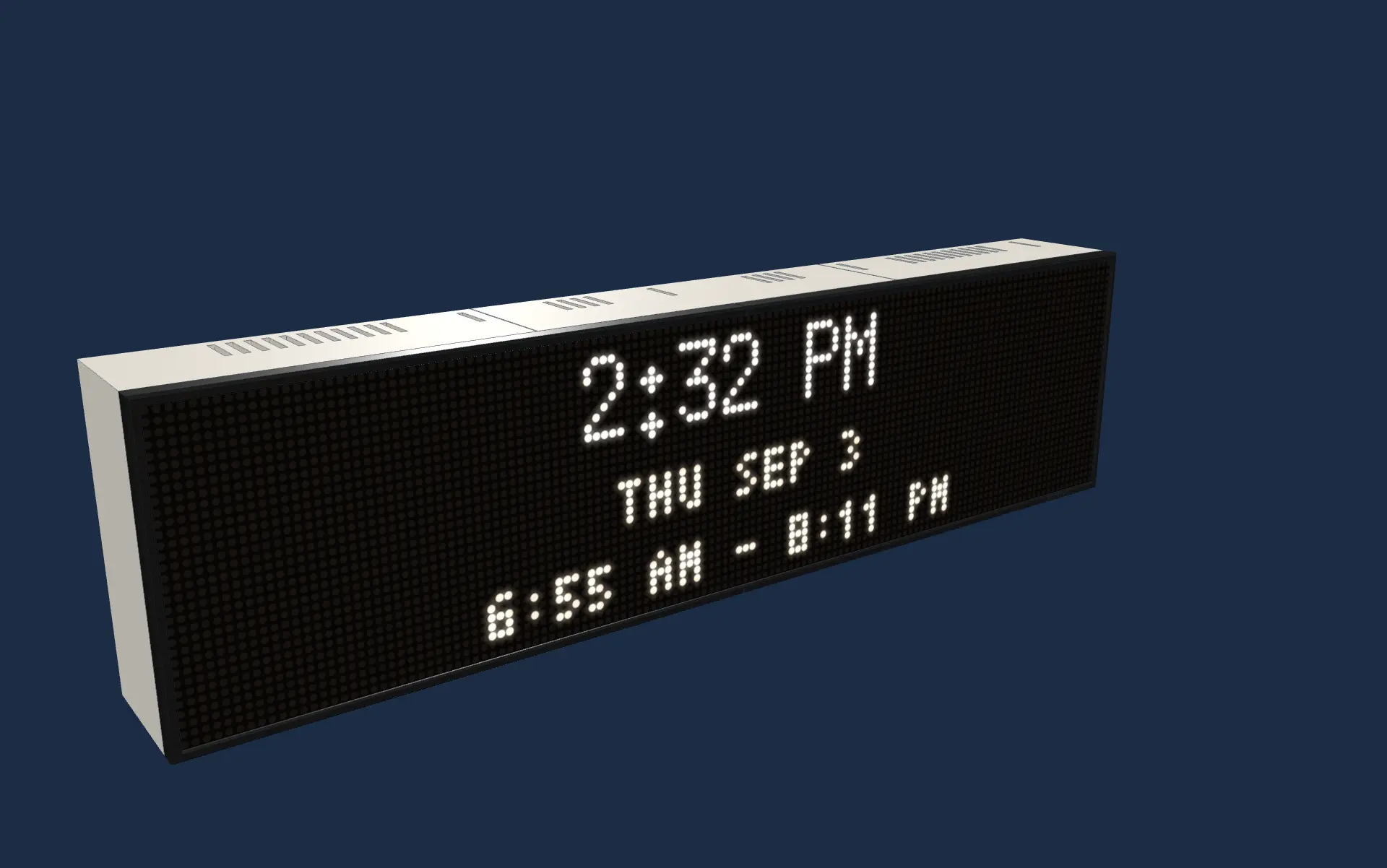
The case Claude designed for SignalWall, put together in the order of its assembly guide.

Step 1 of 6

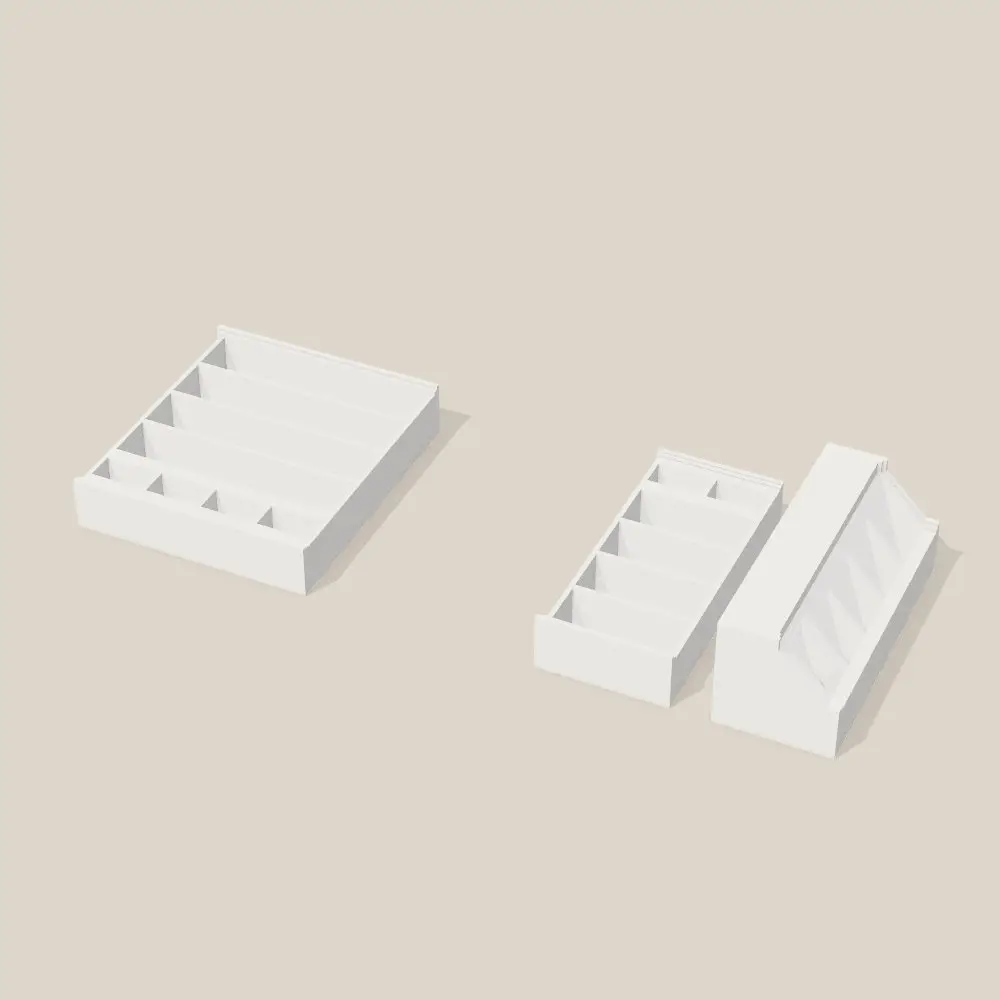
Three trays, bolted together

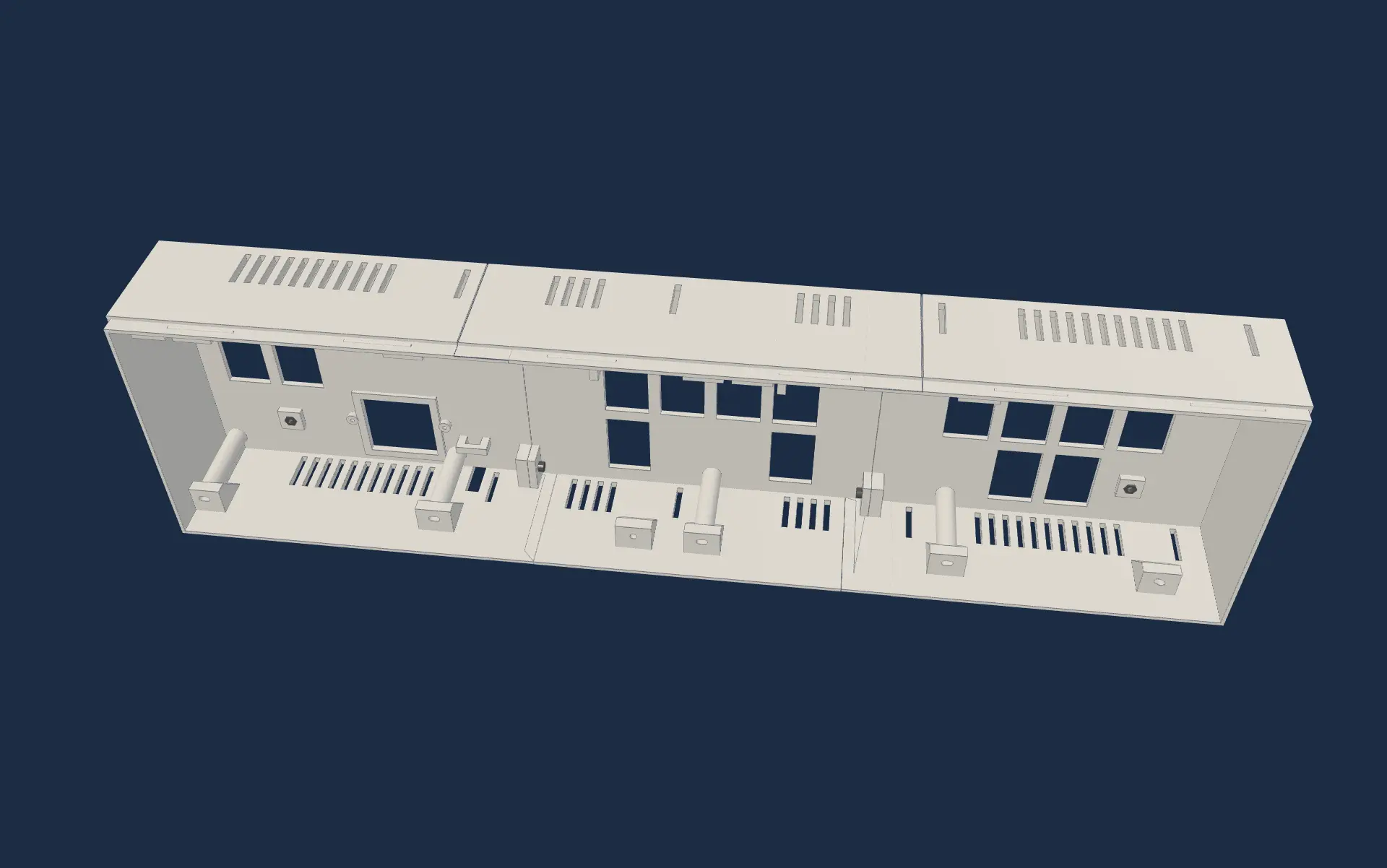
Nuts press into hex pockets, the end trays slide into the center one, and four screws join them.

Step 2 of 6

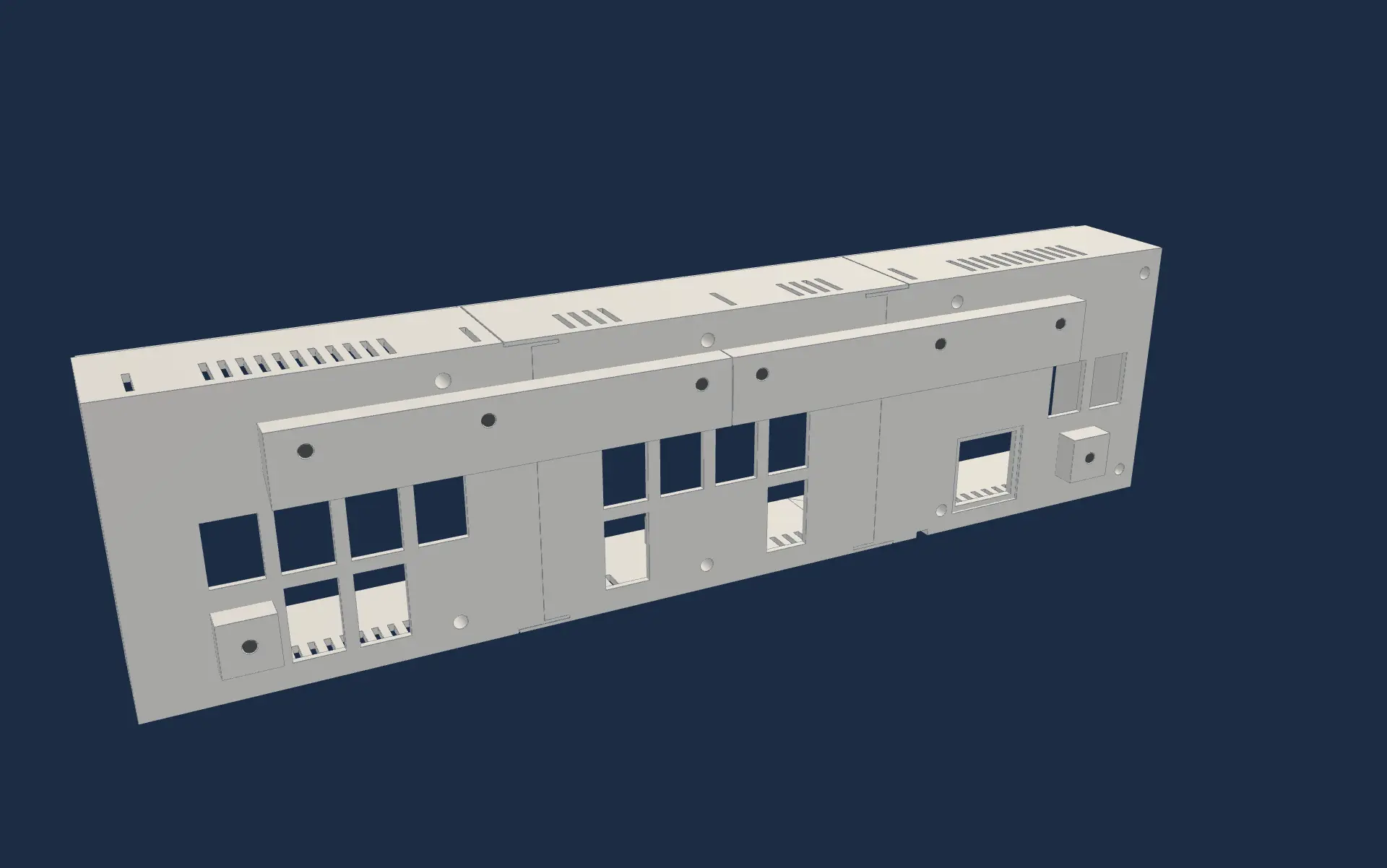
Cleats and spacers on the back

A cleat along the top hooks onto a matching one on the wall; spacers hold the bottom off it.

Step 3 of 6

The Pi and its power

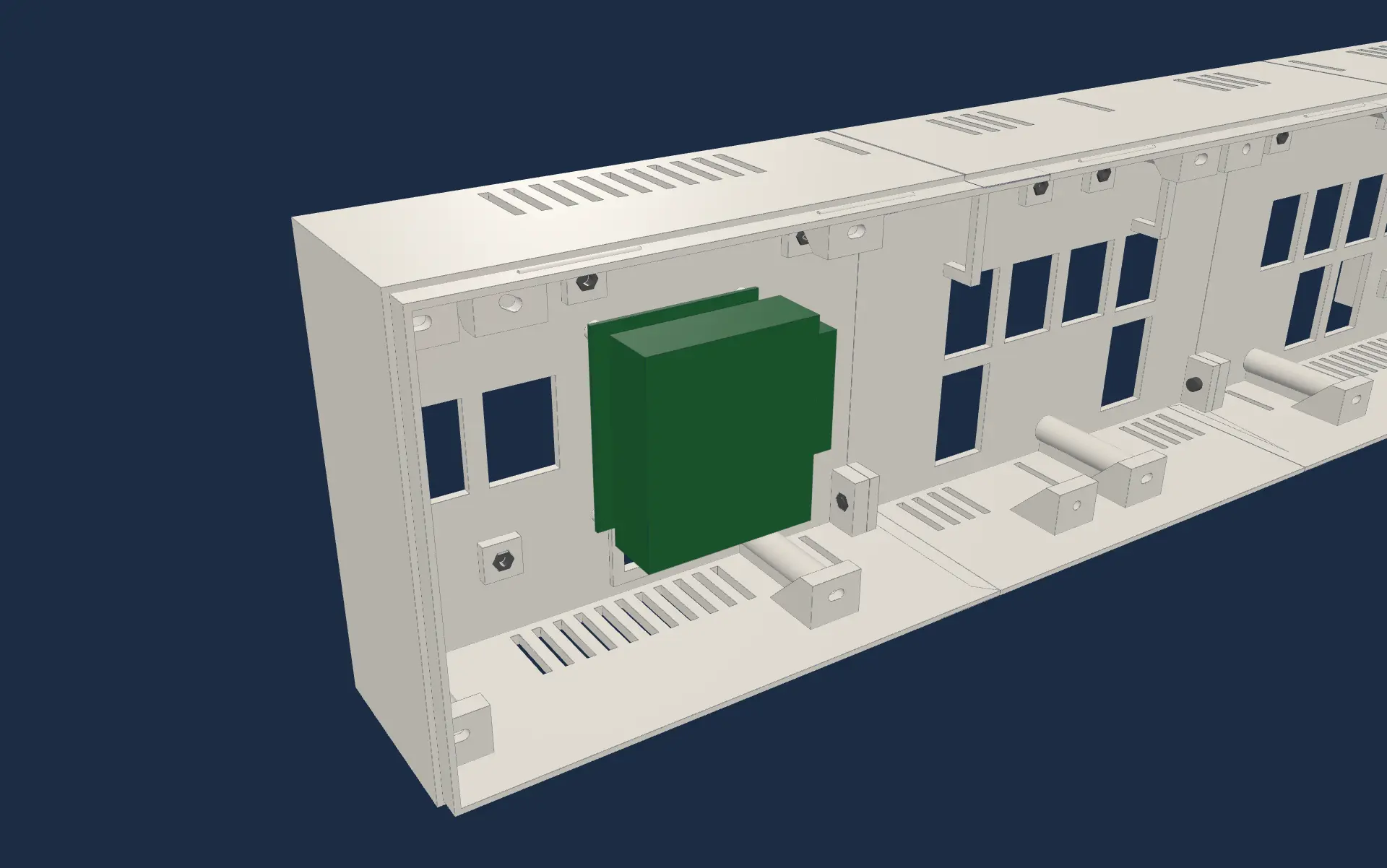
The Pi sits on four standoffs in the left tray, with the memory card over a hatch.

Step 4 of 6

The case goes over the panels

Both LED panels lie face down, and eight screws go through the back into their inserts.

Step 5 of 6

Power test

Plugged in for an hour before anything is closed up.

Step 6 of 6

Bezel and hatch

The black bezel snaps on in two halves, and the hatch door clicks into the back.

The three white trays of SignalWall's case, bolted together, seen from above.The Pi mounted inside the left tray, before the LED panels go on.The finished case from the front, black bezel on and the clock lit.
  1. Step 1

    Three trays, bolted together

    Nuts press into hex pockets, the end trays slide into the center one, and four screws join them.

  2. Step 2

    Cleats and spacers on the back

    A cleat along the top hooks onto a matching one on the wall; spacers hold the bottom off it.

  3. Step 3

    The Pi and its power

    The Pi sits on four standoffs in the left tray, with the memory card over a hatch.

  4. Step 4

    The case goes over the panels

    Both LED panels lie face down, and eight screws go through the back into their inserts.

  5. Step 5

    Power test

    Plugged in for an hour before anything is closed up.

  6. Step 6

    Bezel and hatch

    The black bezel snaps on in two halves, and the hatch door clicks into the back.

4.5%
peak stretch, stock clip
2.2%
peak stretch, redesigned clip
38
claw designs simulated
39 N
grip on the rod, stock clip
75 N
grip on the rod, redesigned clip
12
projects in the first ten days

Figures as of October 5, 2026, from the project's own records.

  • One of the stock clips that hold my tonneau cover's prop rod cracked: its claw stretches 4.5% every time the 8 mm rod snaps in. Claude ran a stress simulation on 38 versions of a new claw. The one I printed stretches 2.2%, grips about twice as hard, and grips the rail exactly like the original.

    Source: Stress-Testing the Tonneau Clip, the page Claude made from the analysis

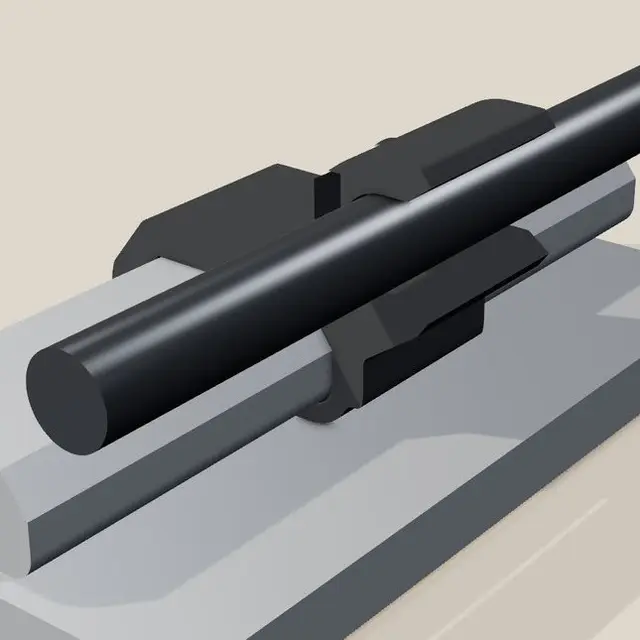
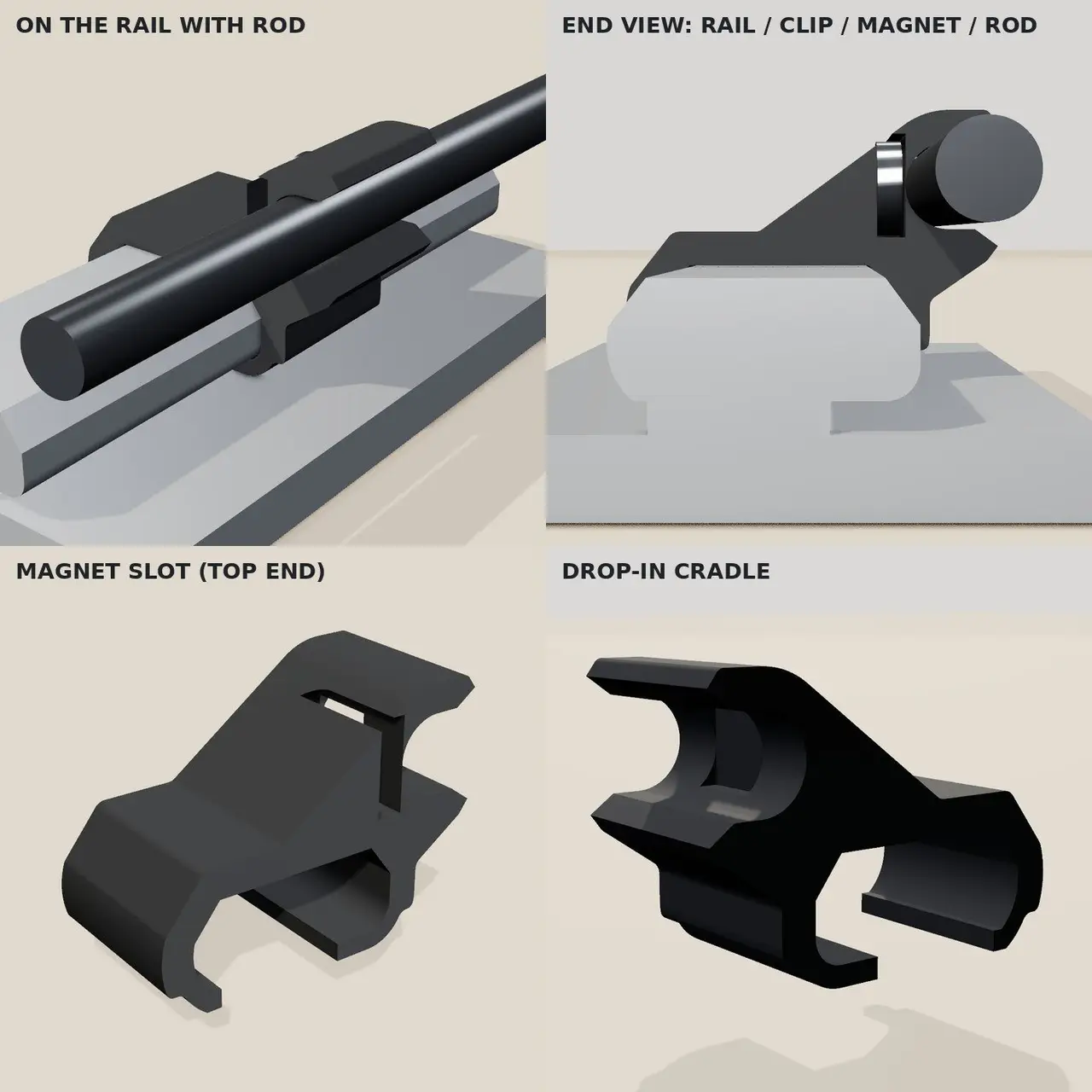
  • The first replacement was my idea: drop the rod into a cradle and hold it with a magnet. It didn't work, so I scrapped it and asked for a snap claw like the stock one, only stronger. That's the clip in the deep dive.

    Source: Printer setup chat, September 30 and October 1

  • Materials are picked by heat and flex: PLA softens at 55 to 60 °C, so nothing for the truck; PETG for the garage and the clip; ASA for parts that sit in the sun; and no carbon-fiber nylon for a clip that has to flex, because it is too brittle.

    Source: 3D Printing project notes, DESIGN_GUIDELINES.md, materials

  • After three jams, Claude read the printer's own logs and found the signal: a steady 15% drop in heater power at the same temperature means plastic has stopped flowing. A watcher script checks for it, and every print file must pass a preflight check first.

    Source: 3D Printing project notes, jam investigation, October 2

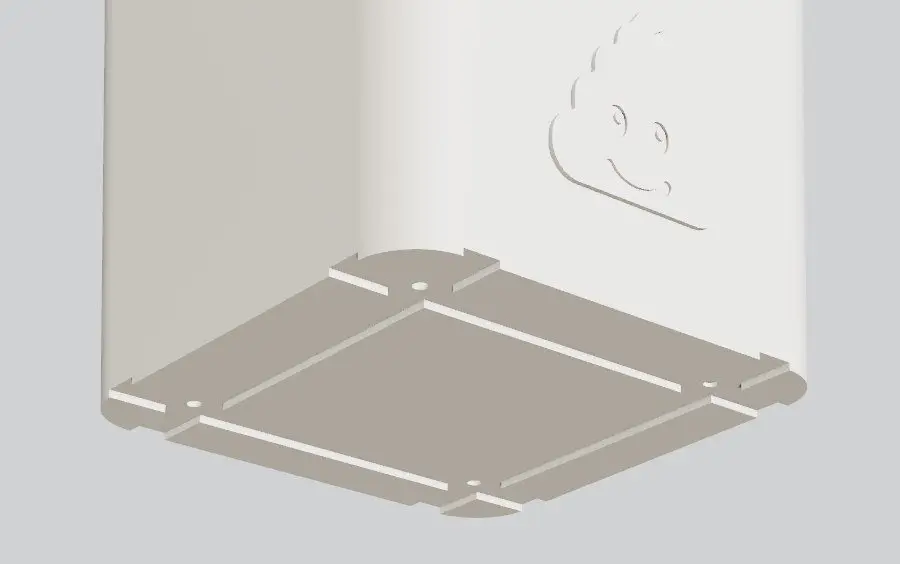
  • SignalWall's case went through three versions in one day: three white PETG trays, cleats and a hatch door, and a black bezel that snaps on. About 696 grams and 25 hours of printing.

    Source: 3D Printing project notes, SignalWall enclosure v3

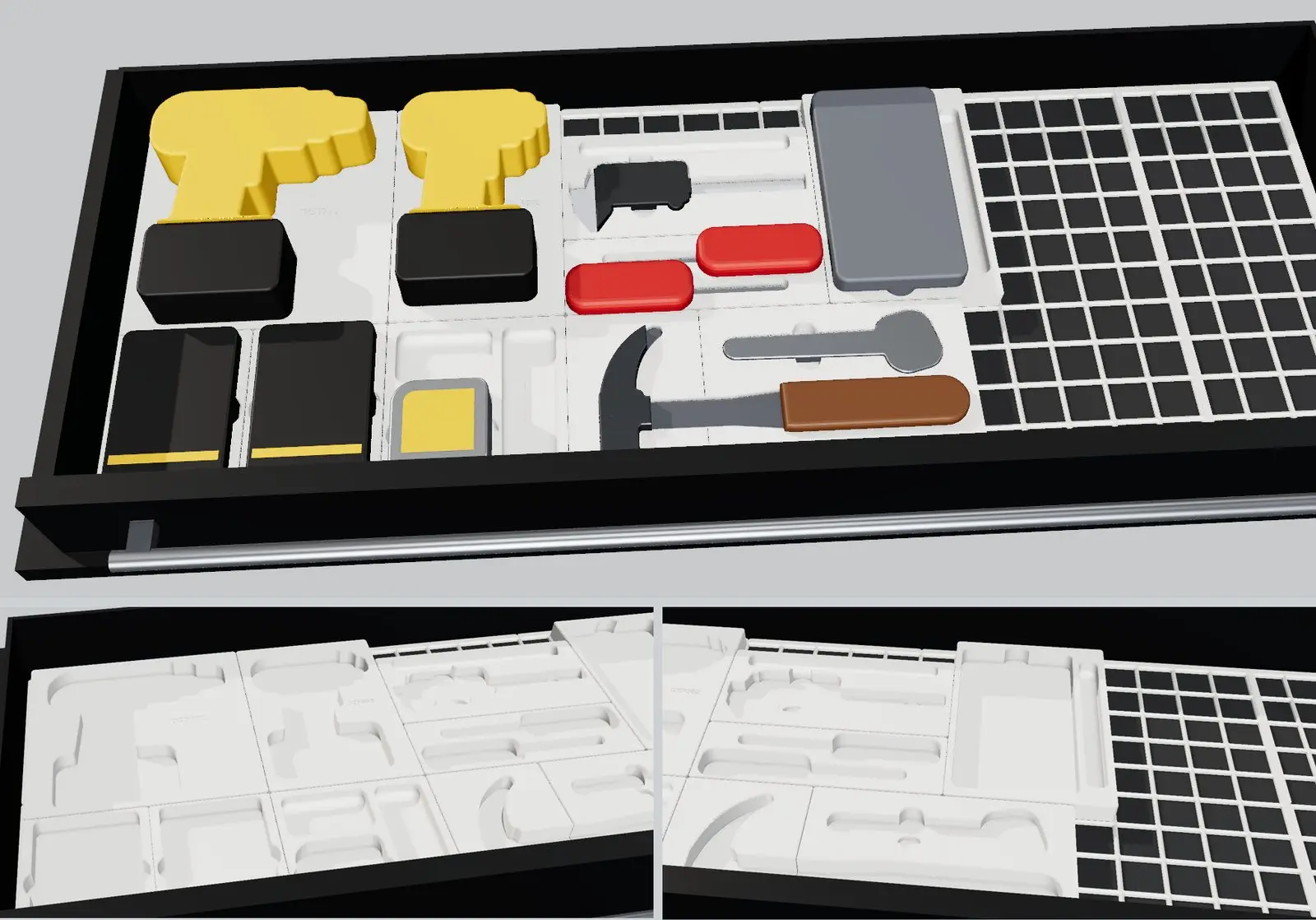
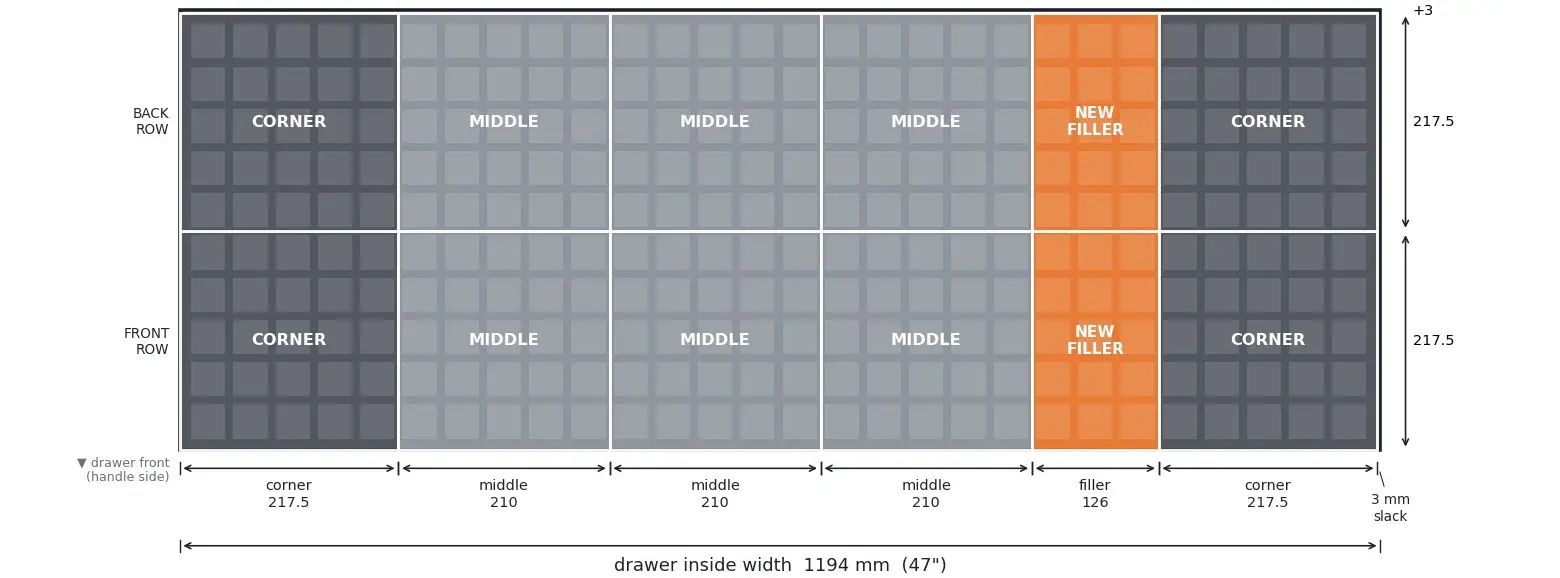
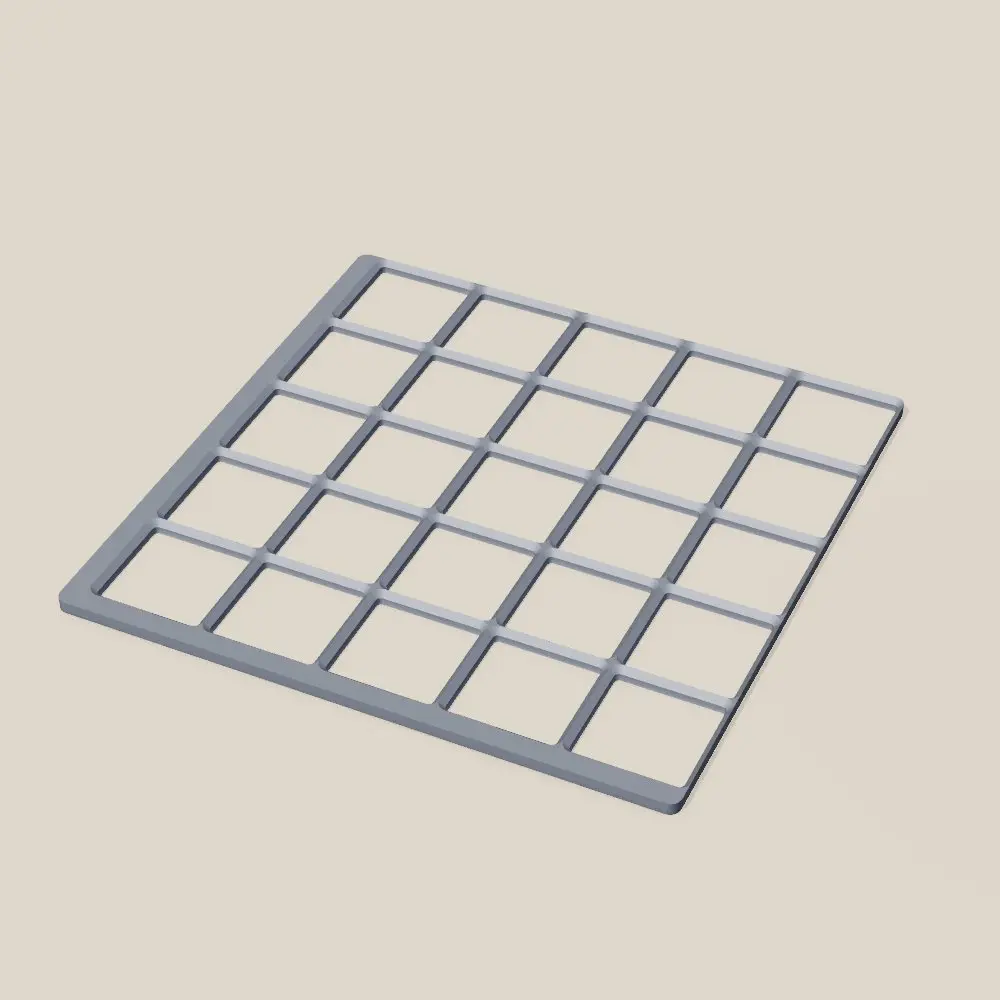
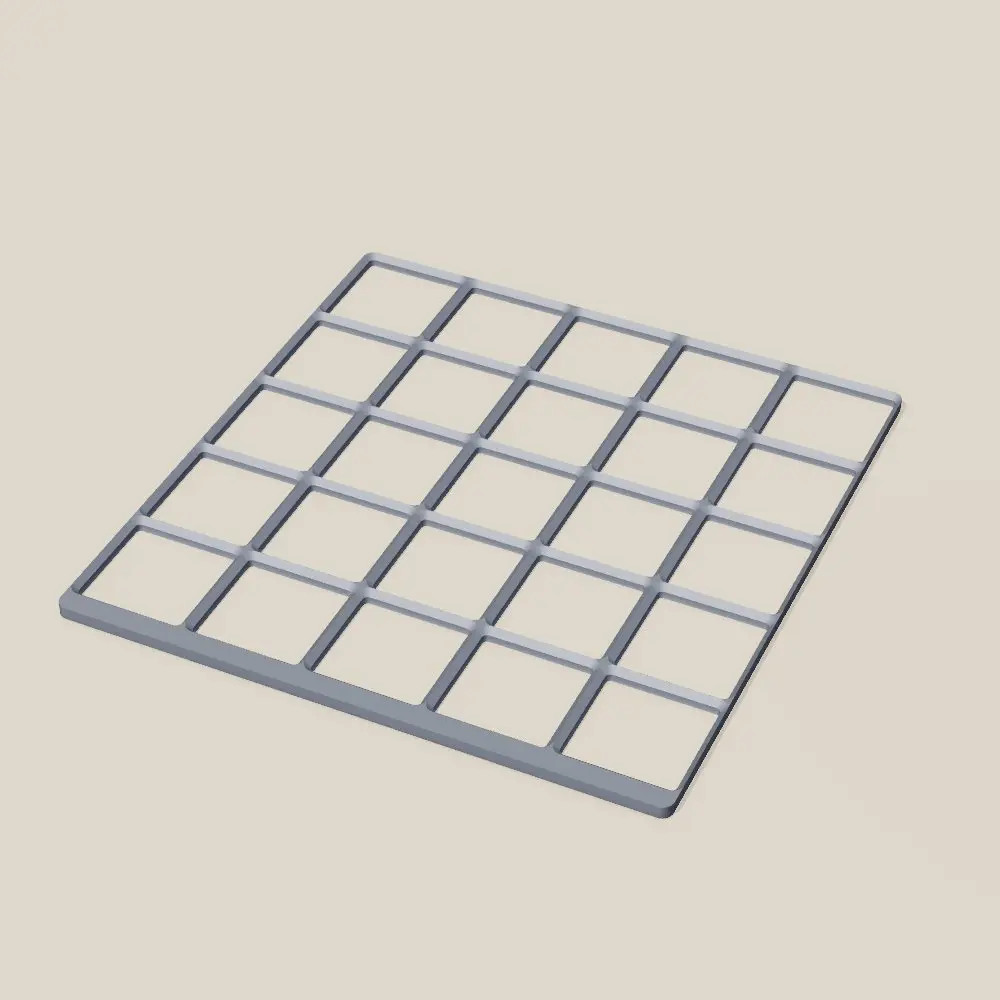
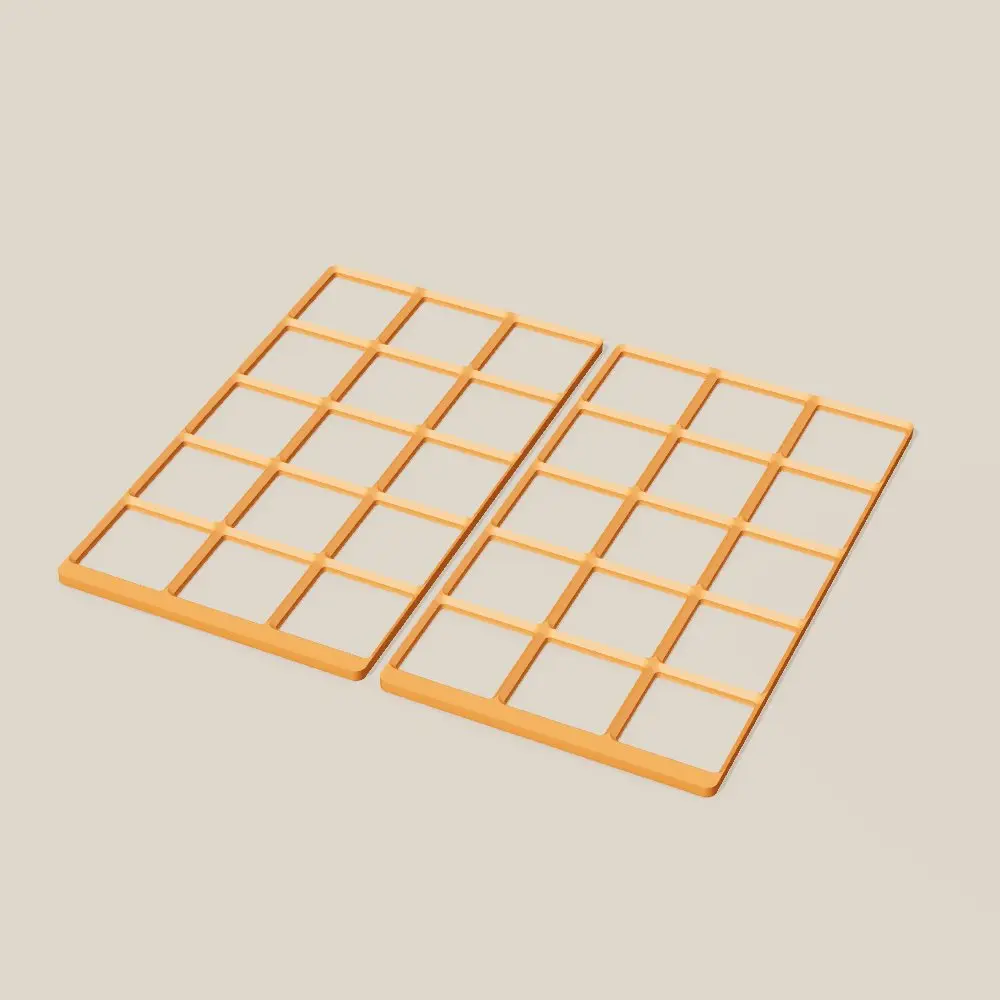
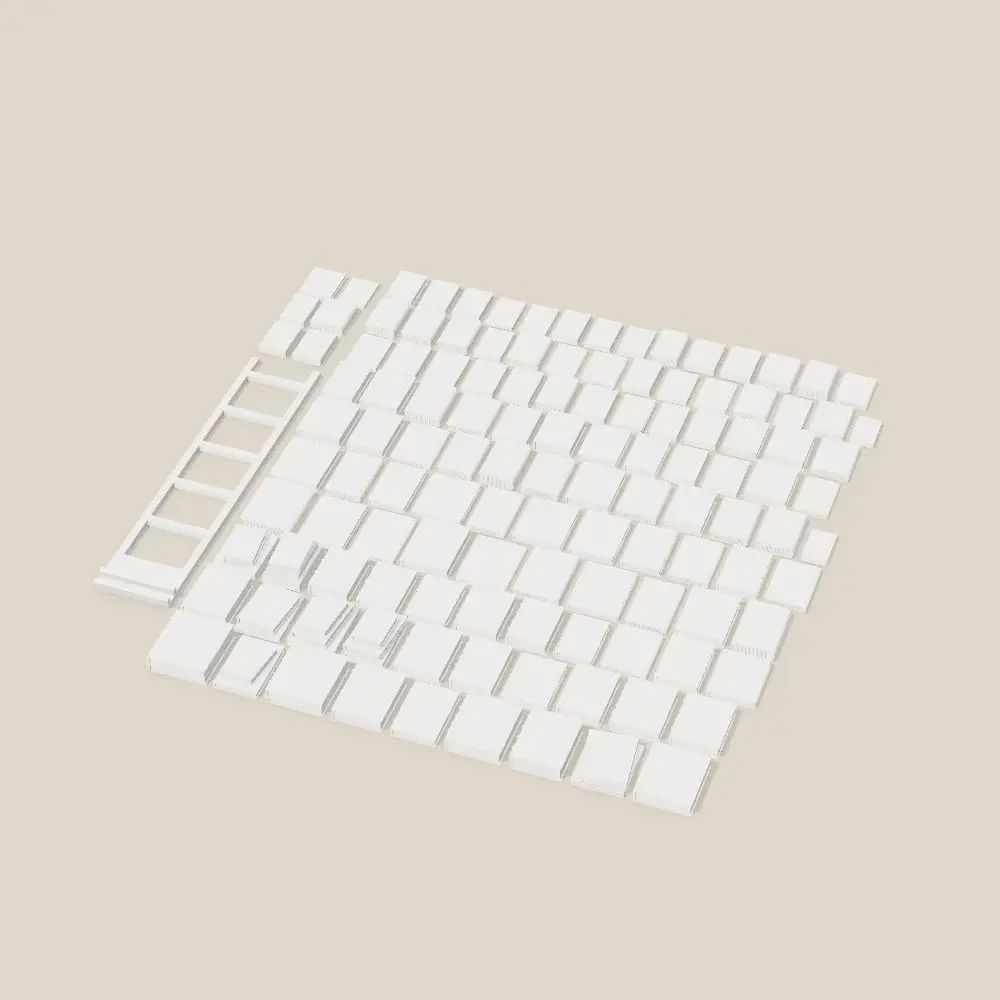
  • A Gridfinity grid for a 1194 mm tool drawer: 28 by 10 squares on twelve printed tiles, laid out to fill the drawer to within 3 mm, with a tray cut to fit each tool.

    Source: 3D Printing project notes, tool drawer grid and trays

Toward SignalWall · Printed parts

The same printer made SignalWall's case: three white PETG trays, cleats and a hatch door, and a black bezel that snaps on. The next version uses one kind of screw and snap fits for the rest.

Source: 3D Printing project notes, SignalWall enclosure, October 4 and 5

Chapter six · Draft

Side quests

A fantasy football agent, an e-reader installer, and a learning plan generator.

Smaller projects: an agent tool server where every write is a dry run until confirmed. A double-click installer that flashes new firmware onto an e-reader for a family member. And a form that turns a person's goals into a ready-to-use learning plan prompt.

Every write the agent makes

  1. 01

    Plan

    Work out exactly what would change.

  2. 02

    Refuse if blocked

    Guardrails first: protected players, a spending cap, trades off.

  3. 03

    Dry run

    The default. Show the change, touch nothing.

  4. 04

    Confirm

    Only an explicit confirm executes, and only once.

  5. 05

    Verify

    Read it back from the source to prove it happened.

  6. 06

    Audit

    Exactly one log row per write.

20
agent tools
85
offline tests

Figures as of September 30, 2026, from the project's own records.

  • Twenty tools for an AI agent to manage a fantasy team. Every write plans, refuses if blocked, runs dry by default, executes once on confirm, verifies, and logs exactly one audit row.

    Source: ClaudeCode sleeper-agent/README.md

  • The installer only ever writes the app partition, never the bootloader, so a failed run leaves the old firmware working.

    Source: ClaudeCode crosspoint-x3-installer/README.md

  • The learning-plan form keeps answers on the device and builds a prompt that tells the model to check that every course it recommends really exists.

    Source: ClaudeCode ai-upskilling/questionnaire.html

Chapter seven · Draft

SignalWall

An LED wall display that pulls together the pieces from every project before it.

Two chained LED panels on a Raspberry Pi, an iPhone app to plan what they show, a cloud project in between, and printed parts. The renderer was built in an emulator first, the updater rolls itself back, the app ships through TestFlight, and every frame is checked by tests at two panel widths.

What came together

  1. Home Manager

    The iPhone app

  2. CityBrew

    The cloud

  3. Reviresco

    Shared pieces from the house

  4. Three small Mac apps

    Native Swift

  5. 3D printing

    Printed parts

  6. SignalWall

    The iPhone app, the cloud, the Pi software and printed parts, in one device.

The cost

$600
for a commercial LED wall display
About $110
in parts for SignalWall: two panels, an adapter, a Pi, power and a memory card

Source: Parts list in my SignalWall build chat, September 11, 2026; the $600 is my figure for a commercial display.

Frames from SignalWall's tests.

Every dot here comes from SignalWall's golden test images, which its test suite renders and checks on every change.

Slide, one column at a time.

Scrolling plays the board's real transition: 700 milliseconds on the wall, whole-dot steps, no easing.

Flip, one row at a time.

Same rules, vertical. The web version is a port of the board's motion code, tested pixel for pixel against its filmstrips.

Panels
Panels

Frames from SignalWall's tests.

Every dot here comes from SignalWall's golden test images, which its test suite renders and checks on every change.

Slide, one column at a time.

Scrolling plays the board's real transition: 700 milliseconds on the wall, whole-dot steps, no easing.

Flip, one row at a time.

Same rules, vertical. The web version is a port of the board's motion code, tested pixel for pixel against its filmstrips.

38
days from first commit to the panels lighting up
16
TestFlight builds
1,459
tests across Python, Swift and the cloud
45
architecture decisions on record

Figures as of October 6, 2026, from the project's own records.

  • Every data source is tested against a recorded real response. No test ever calls the live service, and no API shape is written from memory.

    Source: SignalWall docs/CONVENTIONS.md, Tests

  • 45 architecture decisions on record, each with an escape hatch. A decision changes only by a new entry that supersedes it.

    Source: SignalWall docs/DECISIONS.md

  • Orchestrating agents ran builders in separate worktrees, each owning its own files, working through work orders sized for one focused session.

    Source: SignalWall STATE.md; docs/build/S8.md

  • Built in an emulator for five weeks before the hardware lit up, behind one driver shim.

    Source: edge/signalwall/driver/matrix_import.py

  • Every release checks itself in its own environment, then must prove it is healthy after restart or it flips back.

    Source: docs/SPEC.md, Auto-update

  • No canvas size is hardcoded: every golden frame renders at 128 and 192 dots wide.

    Source: CLAUDE.md, Non-negotiables

The app

Planning the wall on a phone

I plan what the wall shows in the iPhone app and publish it; the board picks it up from the cloud. These two screens are rebuilt from the app's source for this page, with its layout and colors, and the preview inside plays the board's real frames. Screenshots from the app will replace them.

The editor
  1. The preview at the top plays the same frames as the board. Ticker scrolls every screen past in one line.
  2. Tap Slide and the preview switches to the board's slide transition.
  3. Each screen gets its own time on the wall. An unsaved change lights the Draft lamp.
  4. Publish saves the playlist to the cloud. The Pi picks it up on its next check.
  5. Flip is the same transition, one row at a time.
Display
  1. Brightness has a day level and a night level. With Auto on, the board switches at sunrise and sunset.
  2. Turning a knob changes a level.
  3. A sleep schedule turns the board dark overnight.

The playlist

Join the TestFlight beta

The app opens in guest mode: the editor, every screen and a pretend board, no wall required.

The river

Commits per week, by project.

One row per project, one bar per week, all on the same scale (square root, so a quiet week of three commits still shows beside a busy week of a hundred). It is redrawn every time the commits are counted again.

The numbers as a table
ProjectFirstLatestCommitsWith Claude
Home Manager2026-04-202026-04-22112108
CityBrew2026-04-272026-07-21276230
BetterBattery2026-07-302026-08-052323
DayDial2026-08-012026-08-0555
NetPulse2026-08-022026-08-0666
Learning plan2026-08-112026-08-1111
Supply Co.2026-08-122026-08-133232
The house2026-08-122026-10-07106105
SignalWall2026-08-262026-10-07358324
CrossPoint2026-09-142026-09-1411
Sleeper Agent2026-09-292026-09-301212

Counted from the commit history as of October 7, 2026.

Michael Maxwell, smiling, in a navy blazer and a light blue striped shirt

About

Michael Maxwell

AI enablement at a global bank · Owner of Reviresco

I'm a tinkerer at heart, and I'm excited about using AI to increase the problem-solving impact of people and organizations.

Everything on this page was built outside my day job, since April 2026, in conversation with Claude.

The views here are my own, not my employer's.